Excel vs Password Manager: Which Is Really Secure for Small Businesses?
Introduction
Today, many small and medium-sized businesses still store their passwords in a shared Excel file.
It’s simple. Fast. Convenient.
But also extremely dangerous.
👉 So, should you keep using Excel or switch to a password manager?
Why Excel Is Dangerous for Storing Passwords
❌ 1. No Real Access Control
An Excel file can be:
- shared via email
- stored on Google Drive
- downloaded locally
👉 Result: you have no idea who actually has access.
❌ 2. No Secure Encryption
Unlike a dedicated password manager:
- passwords are not properly encrypted
- they can be easily read in case of a breach
❌ 3. No Traceability
With Excel:
- you can’t see who accessed a password
- you can’t track who modified it
👉 In case of an incident, you’re completely blind.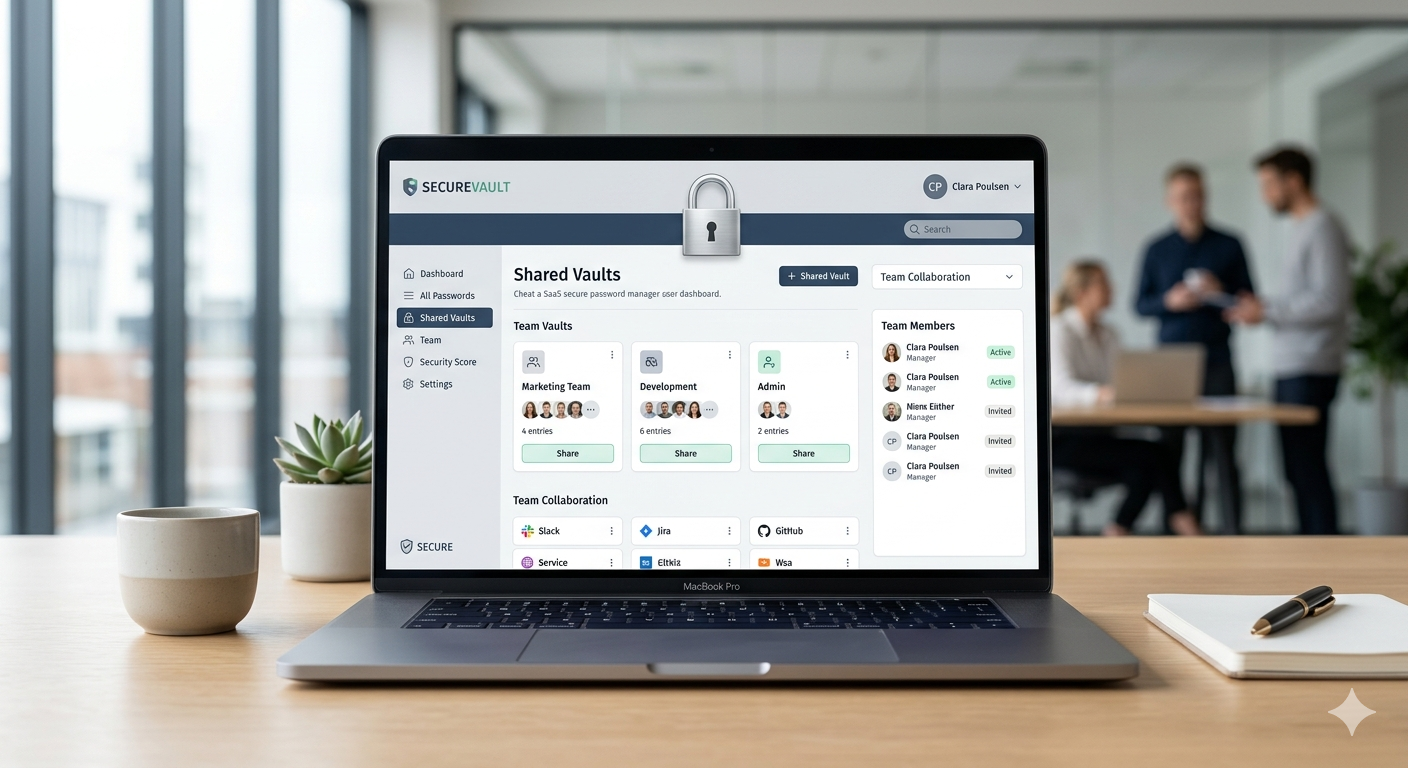
❌ 4. Major Risk When an Employee Leaves
An employee leaves the company?
👉 They can walk away with:
- a copy of the file
- all company credentials
What a Password Manager Provides
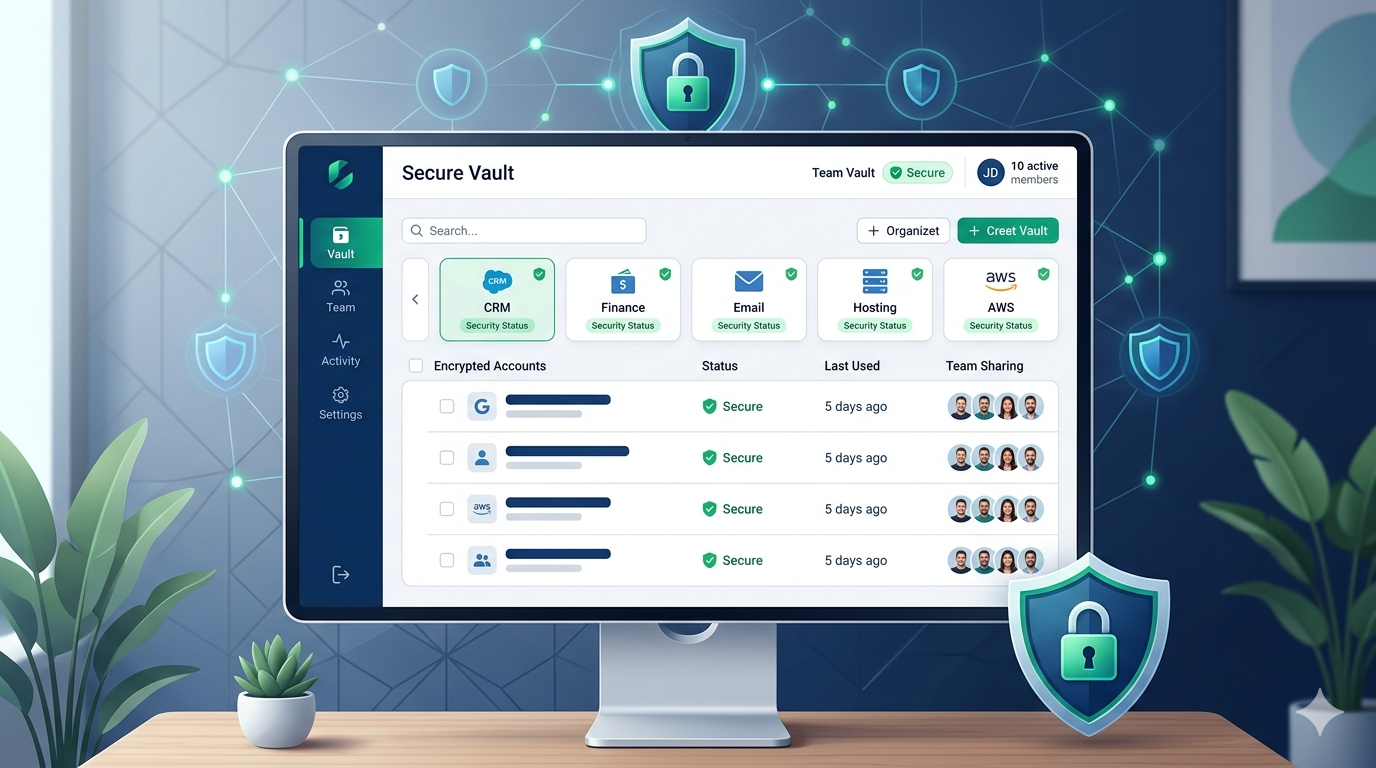
✅ 1. End-to-End Encryption
Your data is:
- encrypted
- protected
- inaccessible without authorization
✅ 2. User Access Management
You can:
- grant access to specific passwords
- revoke access instantly
- organize permissions by team
✅ 3. Secure Sharing
No more sending passwords via:
- Slack
👉 Everything is centralized and secure.
✅ 4. Audit and Monitoring
You can:
- see who accesses what
- detect potential risks
- strengthen your security
Real-World Example: What Happens in SMBs
A small business stores credentials in a Google Sheet.
An intern leaves the company.
A few weeks later:
- Gmail access is compromised
- Stripe account is used
- customer data is exposed

Excel vs Password Manager: Quick Comparison
| Criteria | Excel | Password Manager |
|---|---|---|
| Security | ❌ Low | ✅ High |
| Access Control | ❌ No | ✅ Yes |
| Audit | ❌ No | ✅ Yes |
| Secure Sharing | ❌ No | ✅ Yes |
| GDPR Compliance | ❌ Risky | ✅ Compliant |
What About GDPR?
For European businesses, this is critical.
With Excel:
- no guarantee of data protection
- no control over access
👉 You are potentially not GDPR compliant
Conclusion: Is Excel Still an Option?
No.
Excel may seem convenient, but it exposes your business to:
- data breaches
- financial risks
- compliance issues